CRM feedback loop
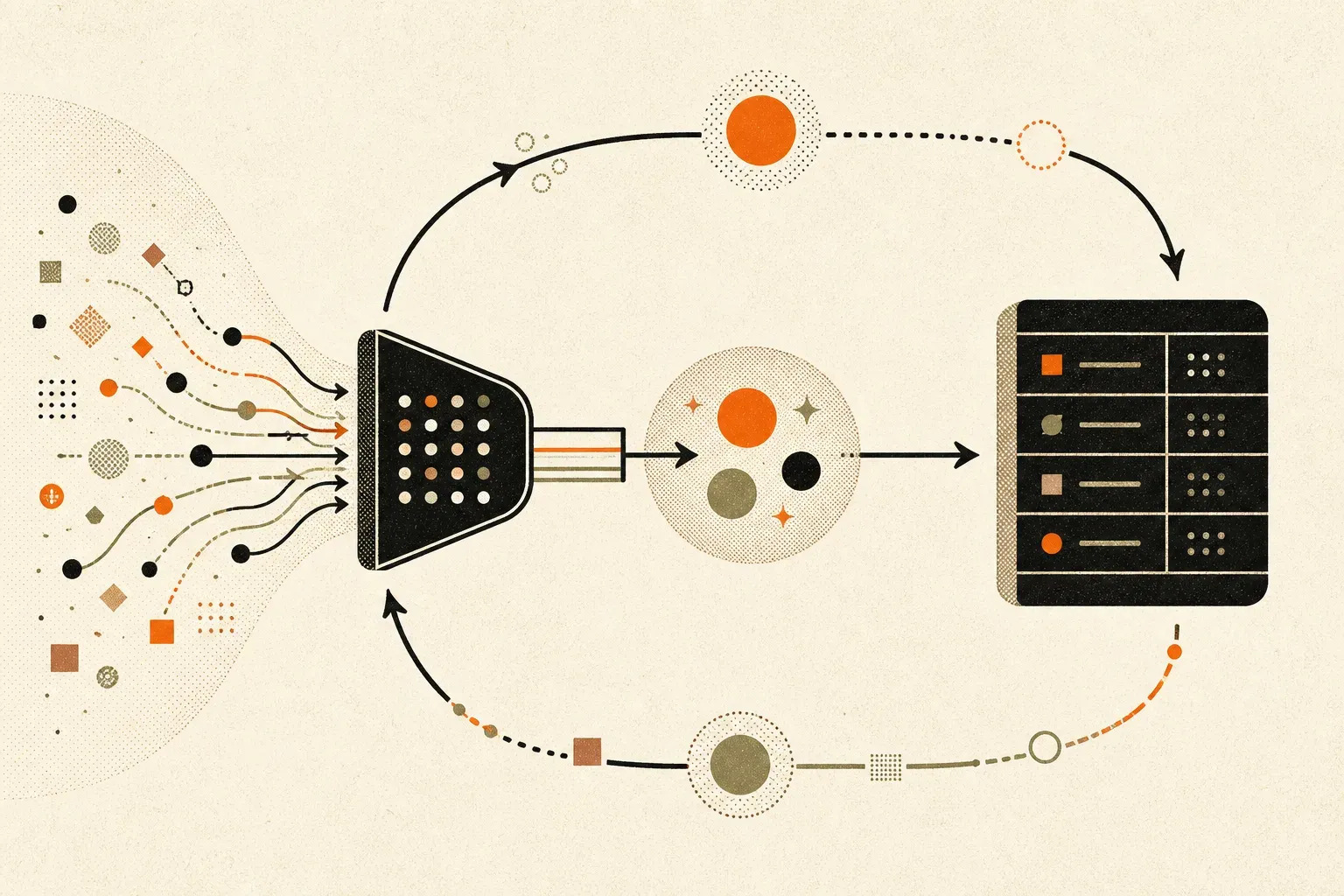
Your CRM tells Google which leads were real.
The gap
Most accounts stop at the form fill. Some go one better and upload completed jobs from the CRM, matched on a click ID. That covers form leads where the identifier was preserved. A phone-originated job can be missed when the CRM record has no click ID or other eligible matching route. In the call-heavy accounts we see, that can teach the bidder from an unrepresentative subset of customers.
The other leak runs the opposite way. Existing customers can ring a call asset to chase an update. If the call meets the configured conversion threshold, it can be counted as a conversion even though it was not a new enquiry.
What we build
Offline conversion upload from the CRM, triggered on the stage you choose (booked, completed, paid), with the real value attached. Built in n8n, or in Zapier if that is what you already run and it does the job. The same lead is never counted twice at full value: either the qualified lead goes up with an expected value and is restated to its actual value when the job completes, or the funnel stages are recorded separately and the bidding optimises to the one that matters.
Enhanced conversions for leads can supplement click-ID matching when eligible, consented first-party data was captured by the website tag and is later uploaded in hashed form. It is not a general phone-number lookup and it does not make every manually entered phone lead attributable. Calls made directly from an ad need their own supported identifier route, such as Call Details Forwarding.
Customer Match: where the account and records are eligible, a consented customer list can be refreshed as an audience and used for exclusion. This can reduce eligible existing-customer exposure, but matching and exclusions are not absolute, so call qualification remains the second control.
Every route into the business joined up. WhatsApp buttons, click-to-call numbers, chat widgets: each one either gets a tracking number, a webhook or a conversion of its own, or it gets removed from the page.
The whole thing runs as one loop. Google → call tracking → n8n → CRM → n8n → Google.
What you get
The two-way workflow. The exclusion audience. A weekly upload log showing what went back and what value. A one-page diagram of where every lead type is captured, so the next person can see it.
Tools
n8n. Zapier where it already exists. HubSpot, Monday.com, Pipedrive, a spreadsheet if that is honestly what you use. The CRM matters less than whether someone updates it.
The free CRM Feedback-Loop Architect turns your actual lead routes, identifiers and CRM stages into an implementation diagram and checklist before anything is built.
Sources checked
- Google Ads: enhanced conversions for leads
- Google Ads: offline data migration to Data Manager
- Google Ads: Call Details Forwarding
- Google Ads: Customer Match policy
Related: Your CRM only sends form leads back to Google · Qualified call tracking
FAQ
Our staff enter calls into the CRM by hand. Does that break it?
Not necessarily, but a name and phone number alone do not guarantee attribution. We preserve a click ID through supported call tracking where possible, and use enhanced conversions for leads only where the eligible first-party website data and consent are present.
How long before Google reacts?
Upload and processing times vary. After the data is verified, judge a bidding change over at least one or two conversion cycles rather than the next day.
What if the numbers show the ads don't pay?
Then you find out, which is the point. We have had that conversation. It is better than not having it.